War of Sticks Unblocked — Play Free Online
More Tower Defense & Strategy games

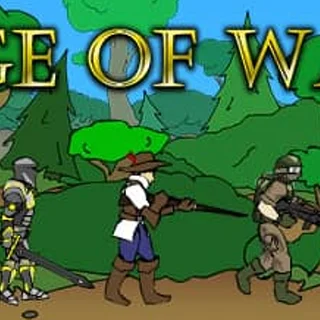




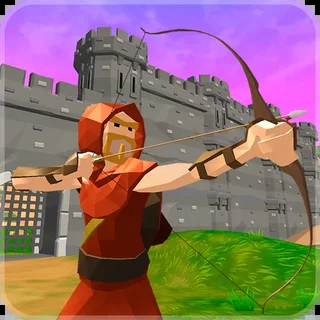
War of Sticks unblocked: play War of Sticks online free right here in your browser — no download, no sign-up, works on a school Chromebook.
War of Sticks puts two stickman armies on a single battlefield and asks you to win the tug of war. Instead of walling off a path the way you do in a Bloons game, you build up a force, send it forward and try to push the front line all the way to the enemy base. It is strategy with a bit of tower defense in it: what you buy and when you buy it matters more than how fast you click.
A session is a run of waves. You build, watch the fight play out, collect what you earned and go again. That rhythm will feel familiar if you come from Bloons TD, where the planning happens between rounds and the rounds themselves are mostly watching your choices pay off or fall apart. It runs in the browser with nothing to install, so it suits a short break as well as a longer sitting.
How to play
The game is played almost entirely with the mouse. Pick a tower or unit from the bar, then click on the battlefield where you want it to go. When your setup looks ready, start the wave and watch it run. Whatever you earn during the wave is yours to spend between waves, mainly on upgrades that make your existing forces stronger.
A round usually goes like this: place what you can afford, start the wave, see where your line holds and where it cracks, then use the gap between waves to fix that weak spot. The front line moving toward the enemy base is your measure of progress.
Tips
- Do not spend everything on the first cheap thing you see. Money carries between waves, so a slightly leaner start can buy a much better upgrade.
- Look at where your last wave started losing ground and reinforce that spot, rather than adding more to the part that is already winning.
- Spread your money across upgrades and new units instead of only one. A single strong unit is easy to overwhelm.
- Use the pause before each wave to check your setup. Starting a wave early is rarely worth it.
Similar games on Bloons TD
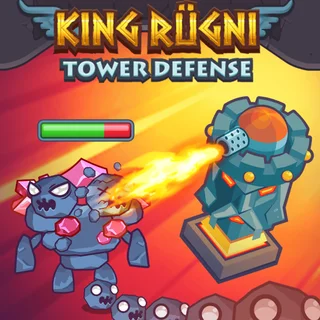
If you want the classic version of building a defense, Bloons TD 4 and Bloons TD 3 are on the same site and have you placing monkeys along a fixed track. Cursed Treasure 2 and Castle Defender Saga are other defense games on the shelf. King Rugni Tower Conquest and Era Evolution are closer to War of Sticks in feeling, since they also ask you to manage a growing force rather than just guard a path.
War of Sticks fits best when you want a strategy game that is quick to learn, played with one hand on the mouse.
Questions about War of Sticks
Is War of Sticks unblocked at school?
War of Sticks runs in an ordinary browser tab from bloonstd.org, with nothing to download or install, so it plays on most school Chromebooks and work computers. If a network filter blocks the site, only that network's administrator can change it.
How do I play War of Sticks?
Use the mouse. Pick a tower or unit from the bar, click where it should go on the battlefield, then start the wave. Spend what you earn between waves on upgrades.
What is the goal in War of Sticks?
You push your stickman army's front line forward until it reaches the enemy base.
Is War of Sticks free to play?
Yes. It plays free in your browser on bloonstd.org, with no download or account.
Does War of Sticks work on a phone or Chromebook?
It is an HTML5 game that runs in modern browsers, and since it is mostly mouse or click based it works well on a laptop or Chromebook.